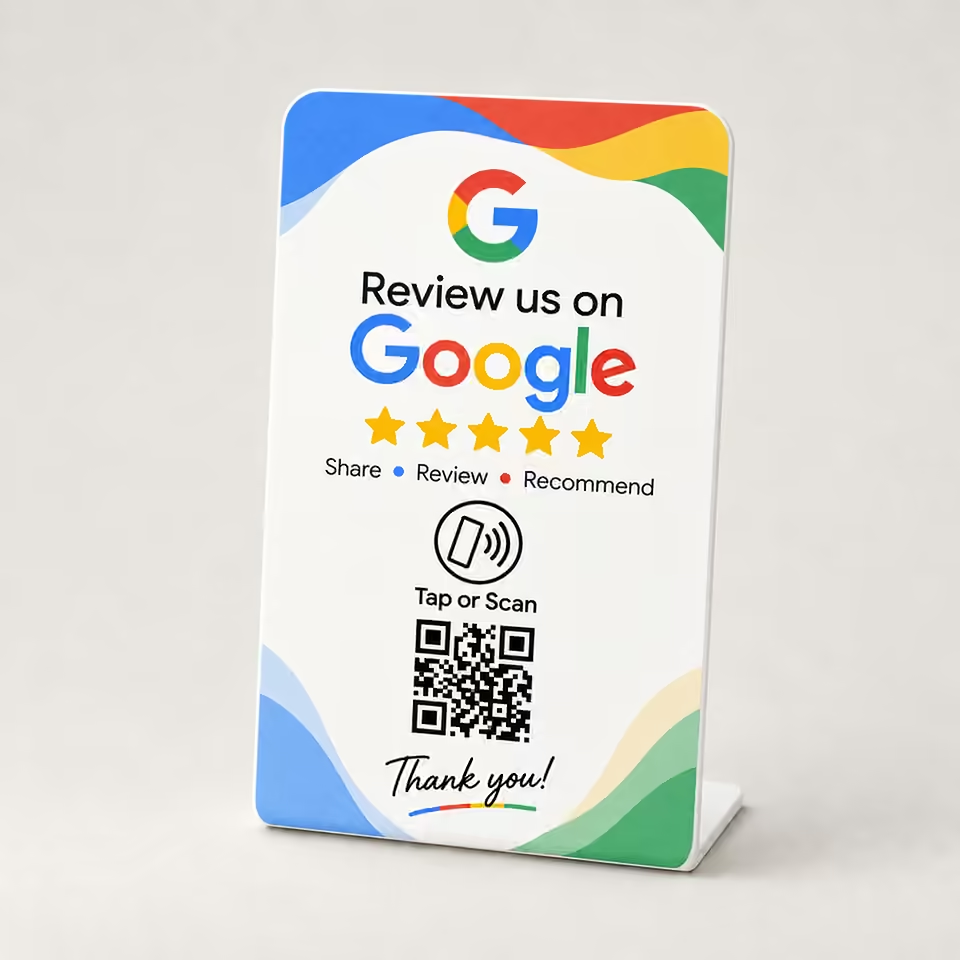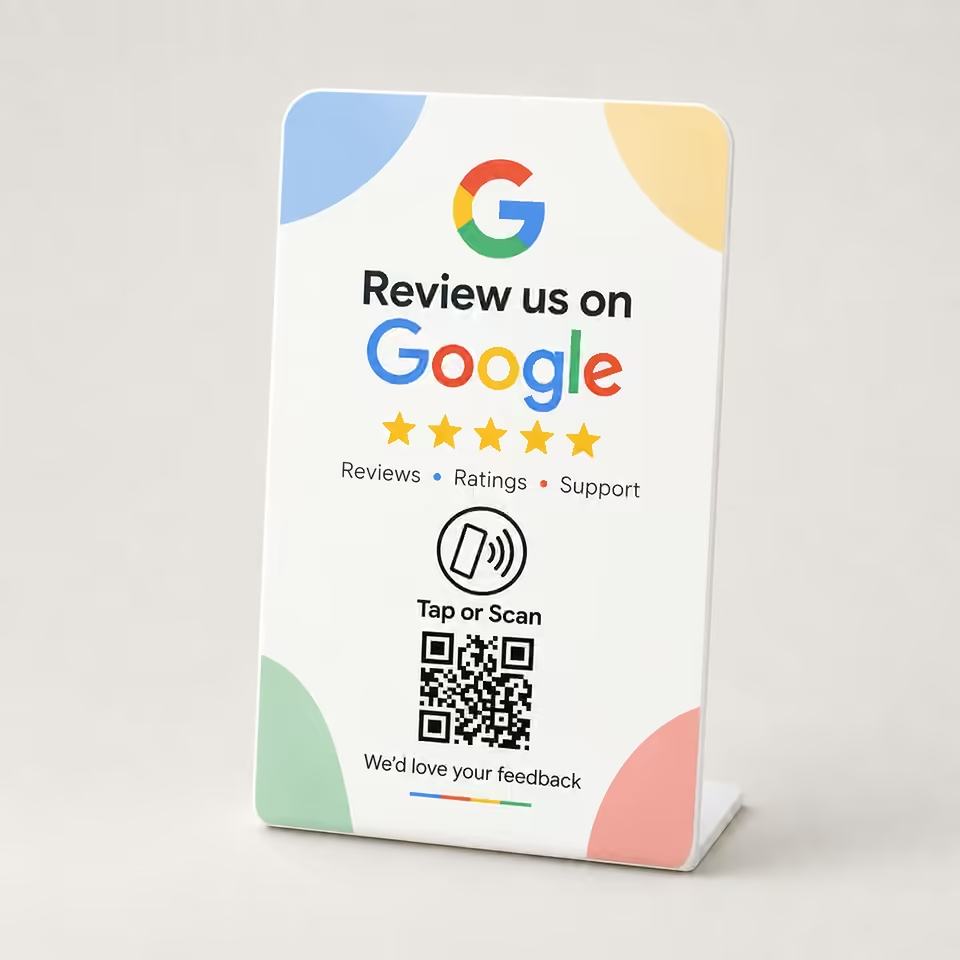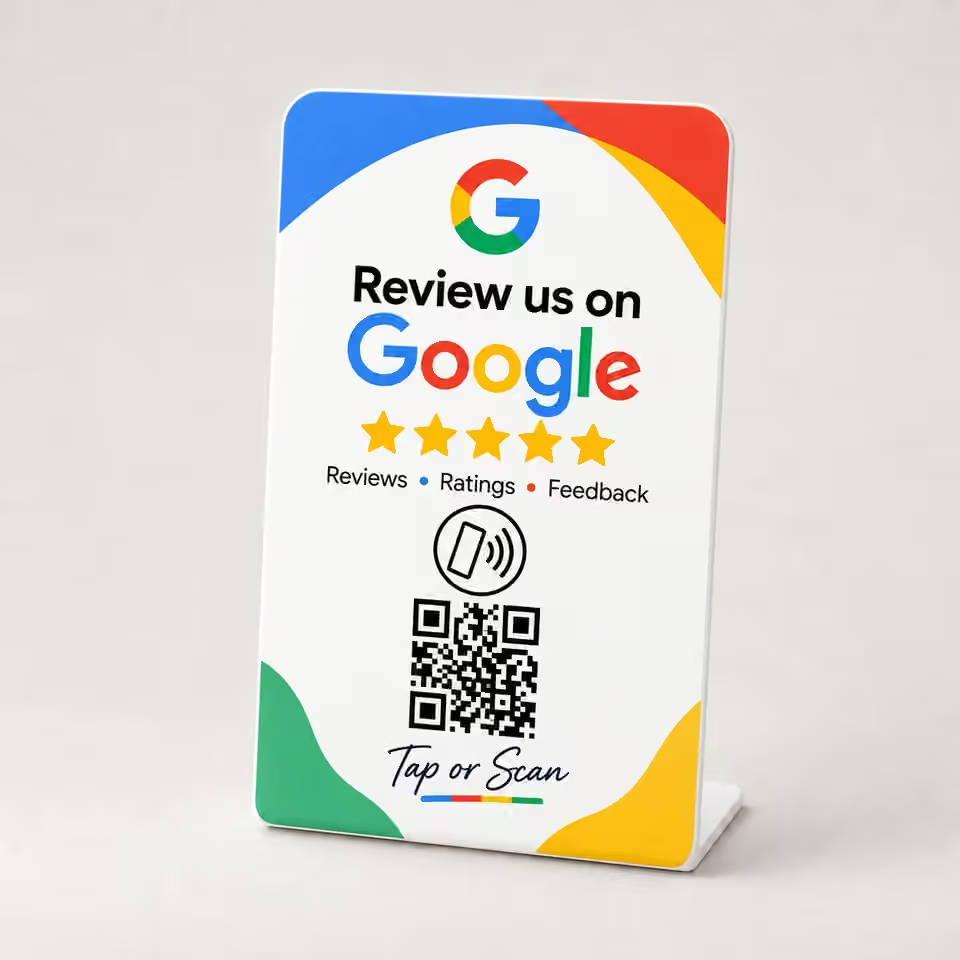
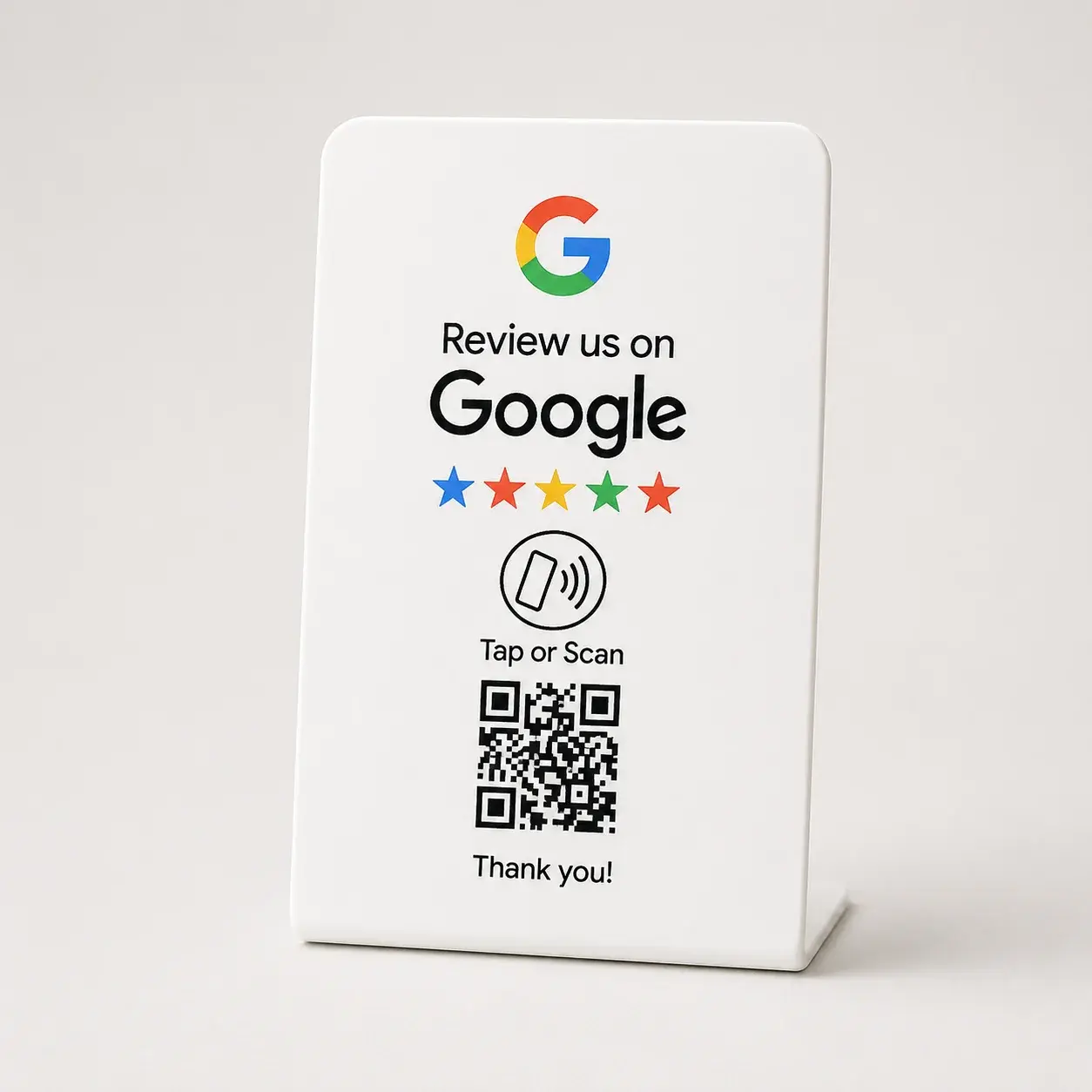
Google Review Stands

Help customers reach your business's direct Google review page from one clearly labeled countertop stand—by NFC tap or QR scan, with no customer app required.
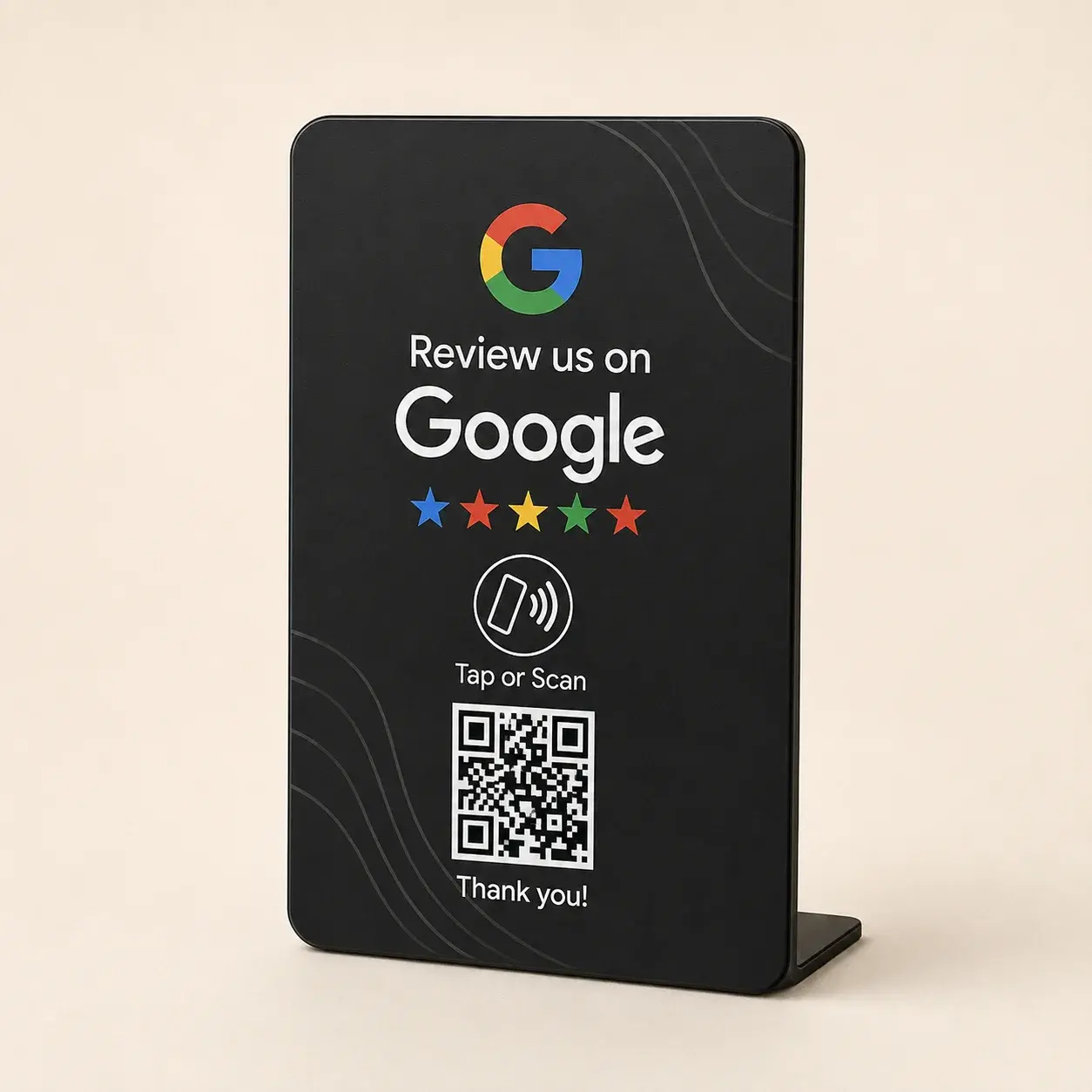
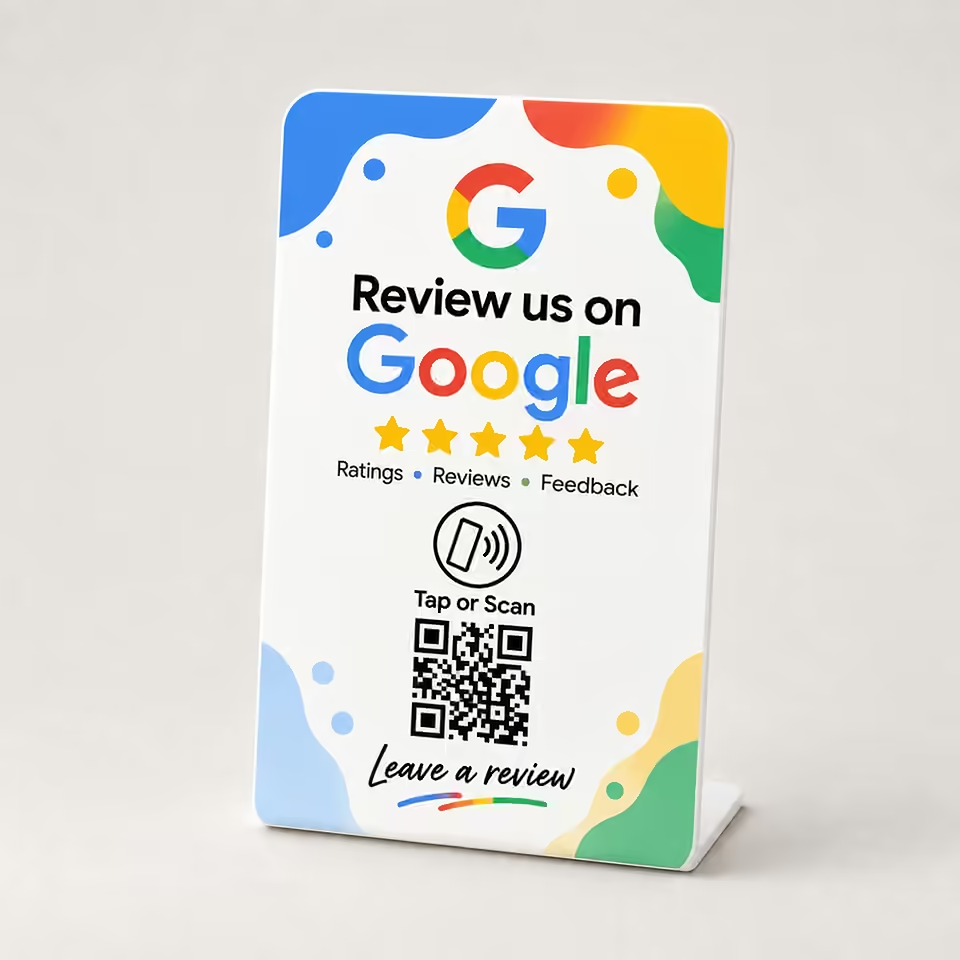
6 product designs
GOOGLE REVIEW STAND BUYING GUIDE

Choose a Google review stand for your counter

Every design below gives customers two ways to open your assigned Google review page: an NFC phone tap or a QR code scan. Choose the artwork for your space; customers remain free to decide whether and how to review.

Current Google review stand designs, prices and availability
DesignPriceAvailabilityCompare
White₹1,299.00Out of stockView White
Matte Black₹1,299.00Out of stockView Matte Black
Color Splash₹1,299.00Out of stockView Color Splash
Spectrum Waves₹1,299.00Out of stockView Spectrum Waves
Pastel Corners₹1,299.00Out of stockView Pastel Corners
Bold Spectrum₹1,299.00Out of stockView Bold Spectrum

NFC stand, QR sign or portable keychain?

Choose a stand for a permanent checkout or reception desk. Its upright format keeps the tap prompt and QR code visible without a staff member carrying it.

Choose a printed QR sign if you only need camera scanning. A review link from your Google Business Profile can also be shared on a sign; NFC adds a second way to open it.

Choose a keychain when appointments, service calls or handoffs happen away from a counter. Compare the Google Review Keychain.

Before your first customer tap

  1. Copy the review link for the correct business location. Find your Google review link.
  2. Assign that destination during setup, then test the NFC tap and QR scan with a phone.
  3. Place the stand within reach at checkout or reception, with no glare or equipment hiding the code.
  4. Invite honest feedback after a real visit. Customers need a Google Account to post; do not offer rewards or request only positive reviews.
CHOOSING GOOGLE REVIEW STANDS

Make the Google review page easier to reach.

A Google Review Stand removes the need to search for your business later. It opens the review destination you assign while leaving every rating and comment entirely up to the customer.

How does a Google Review Stand work?

A customer taps the NFC area or scans the printed QR code to open the Google review destination assigned during setup.

Does the customer need an app?

No separate NFCPlate app is required. Compatible phones can use NFC, and the phone camera can scan the QR code.

Does a stand guarantee reviews?

No. It only makes the review page easier to reach. Feedback remains voluntary and the customer chooses the rating and comments.

YOUR CART

Your cart is empty

Ready when you are.

Add a tap-or-scan product and it will appear here.

Explore products