
01
Choose your product
Pick a countertop stand or portable keychain for reviews, social links, menus, websites, or another destination.
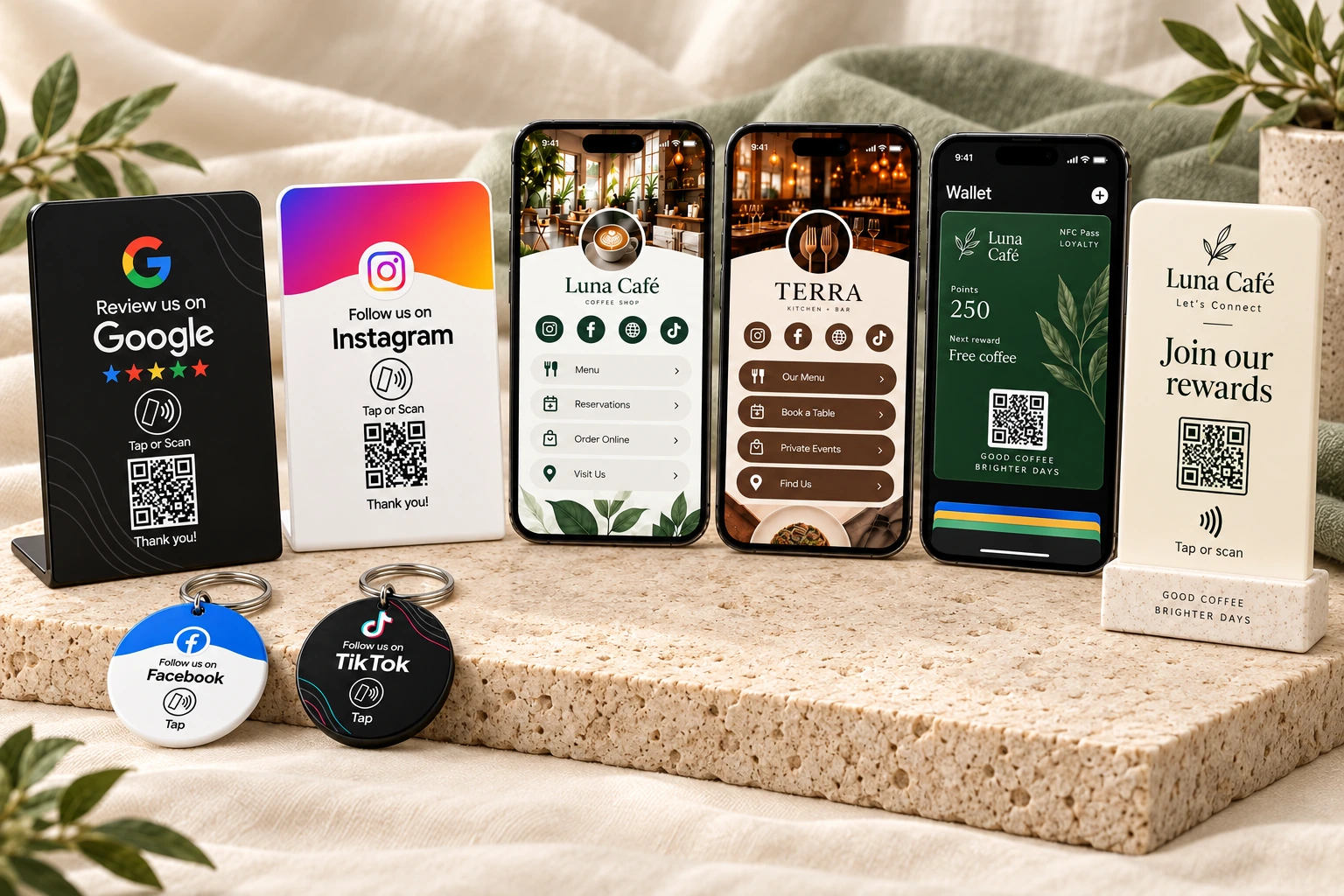
Send customers straight to one link, welcome them to a complete Only One Link page, or build loyalty with NFC Pass.
Share one link, bring your online world together, or build a rewards program. Choose what fits you.
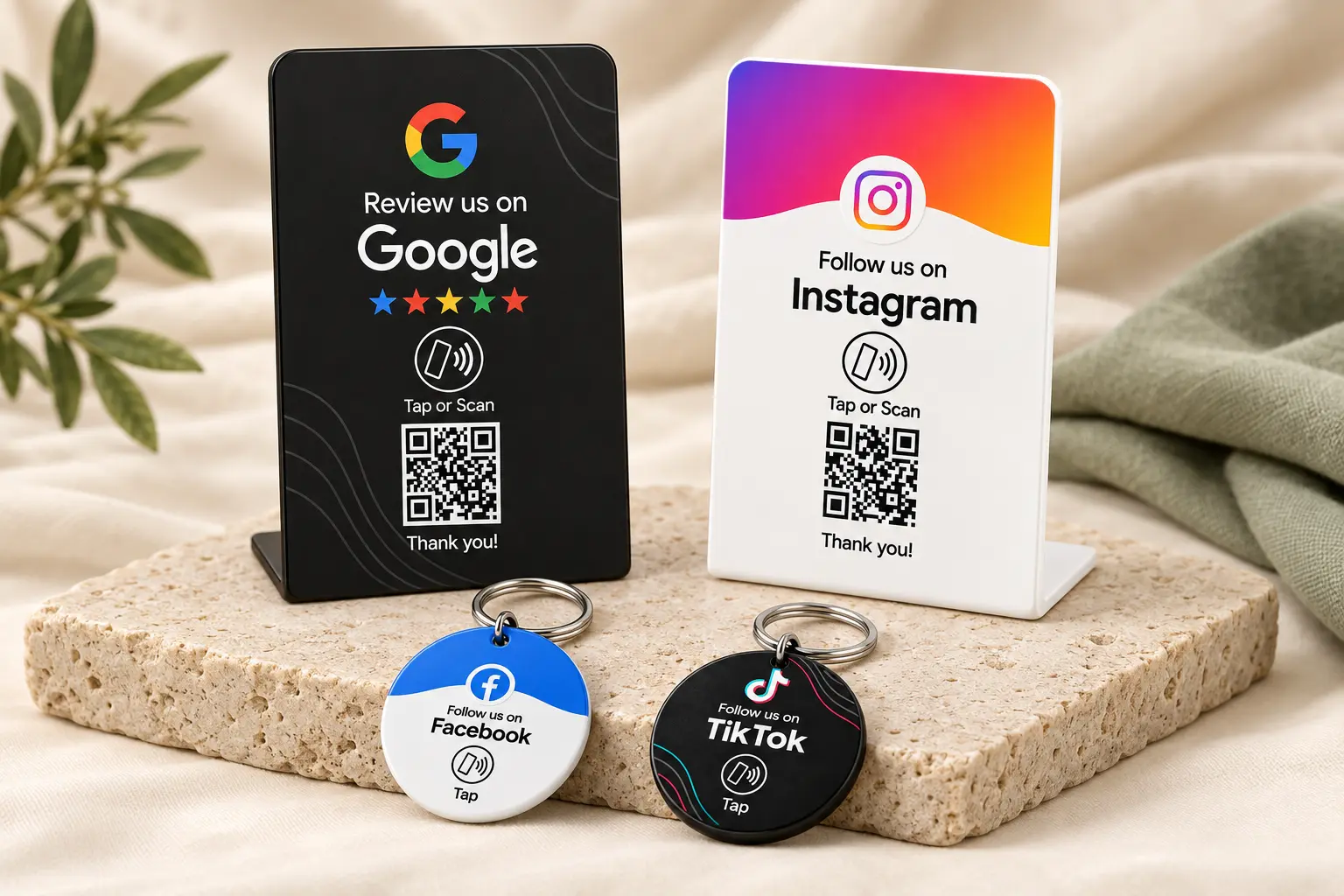
Best for Google reviews, social profiles, menus, websites, booking links, and other single destinations.
See how it works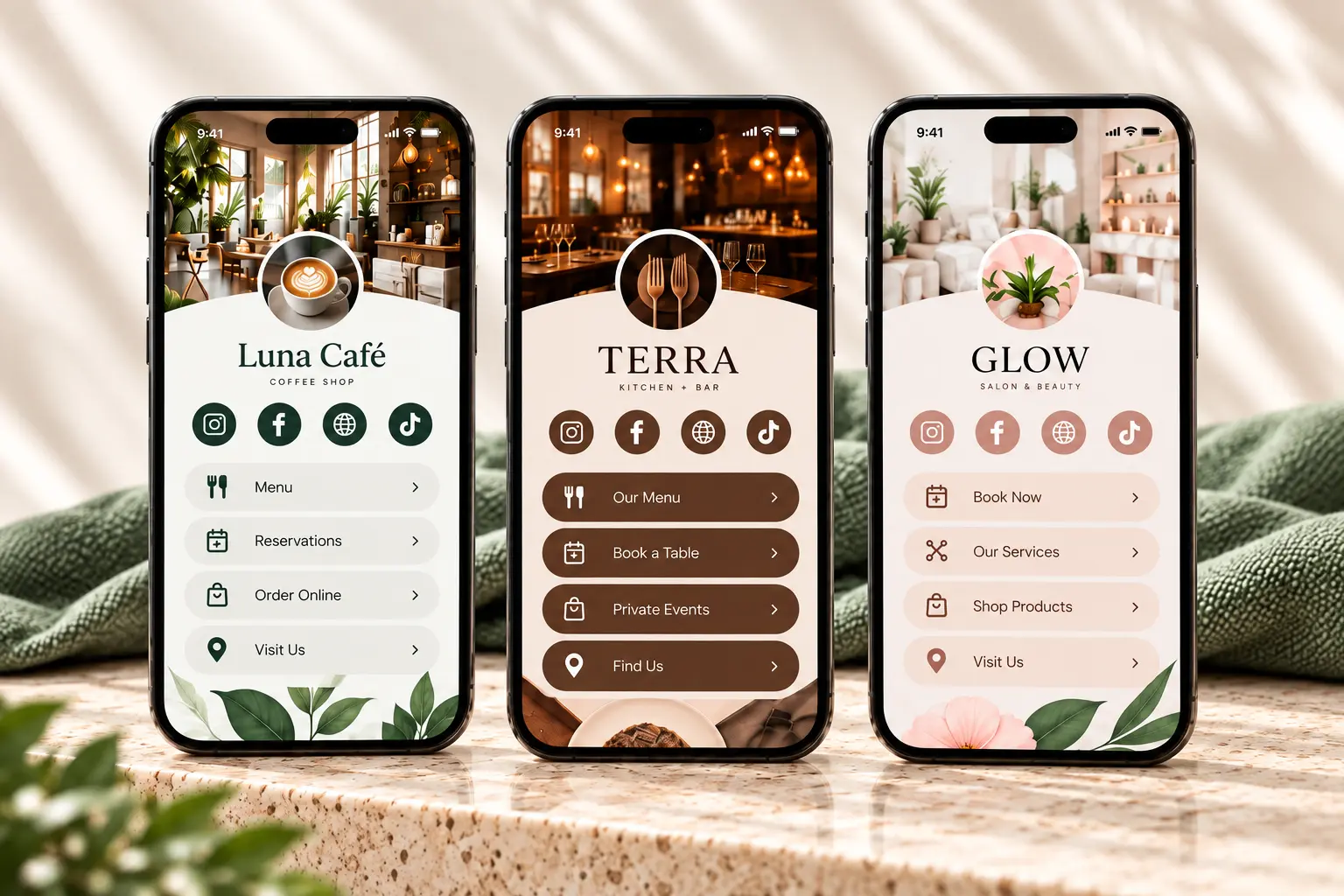
For creators, personal profiles, and businesses: bring your social links, content, portfolio, and contact details together.
See how it works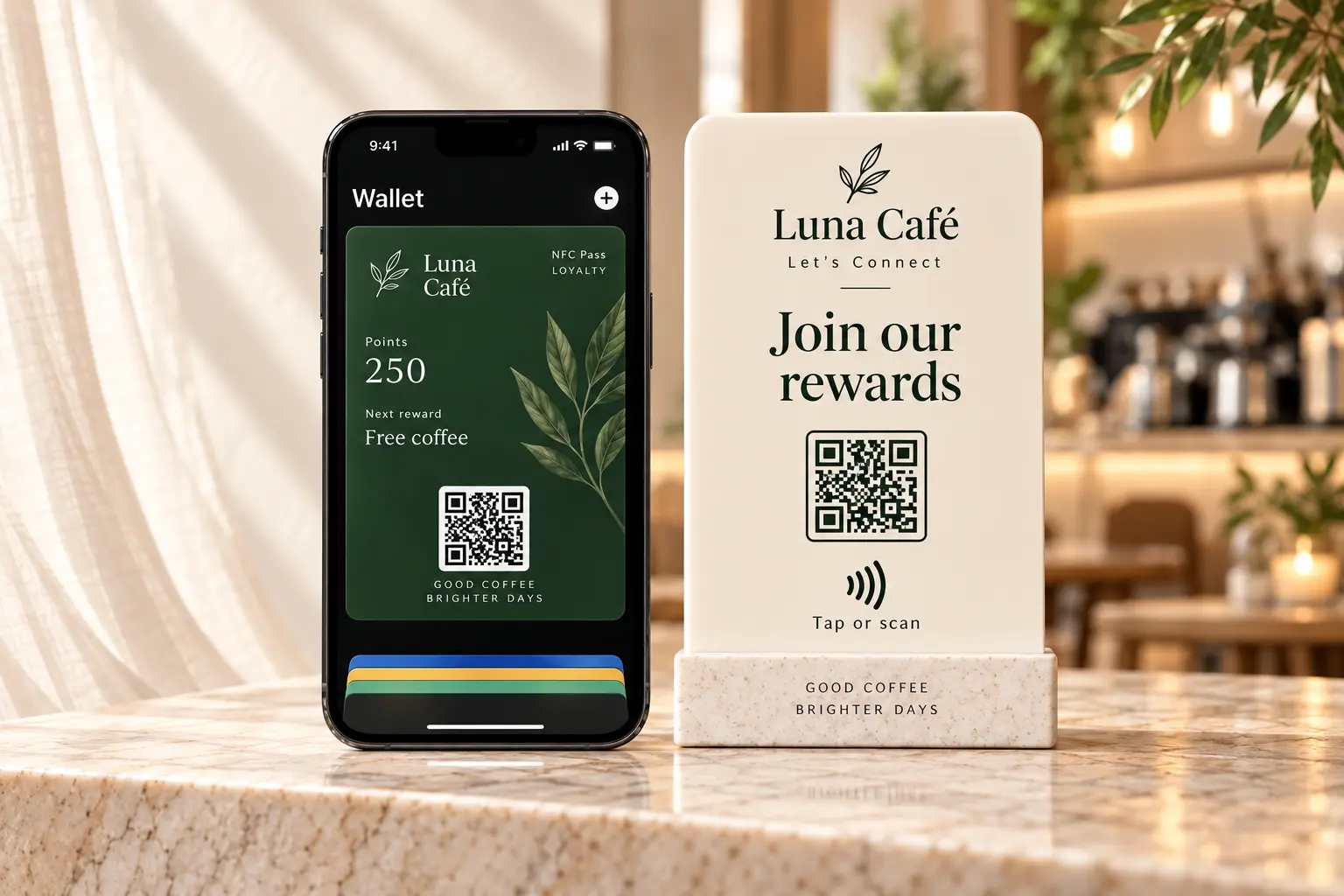
Invite customers to join your program, save a pass in Apple Wallet, and return to earn or redeem.
See how it works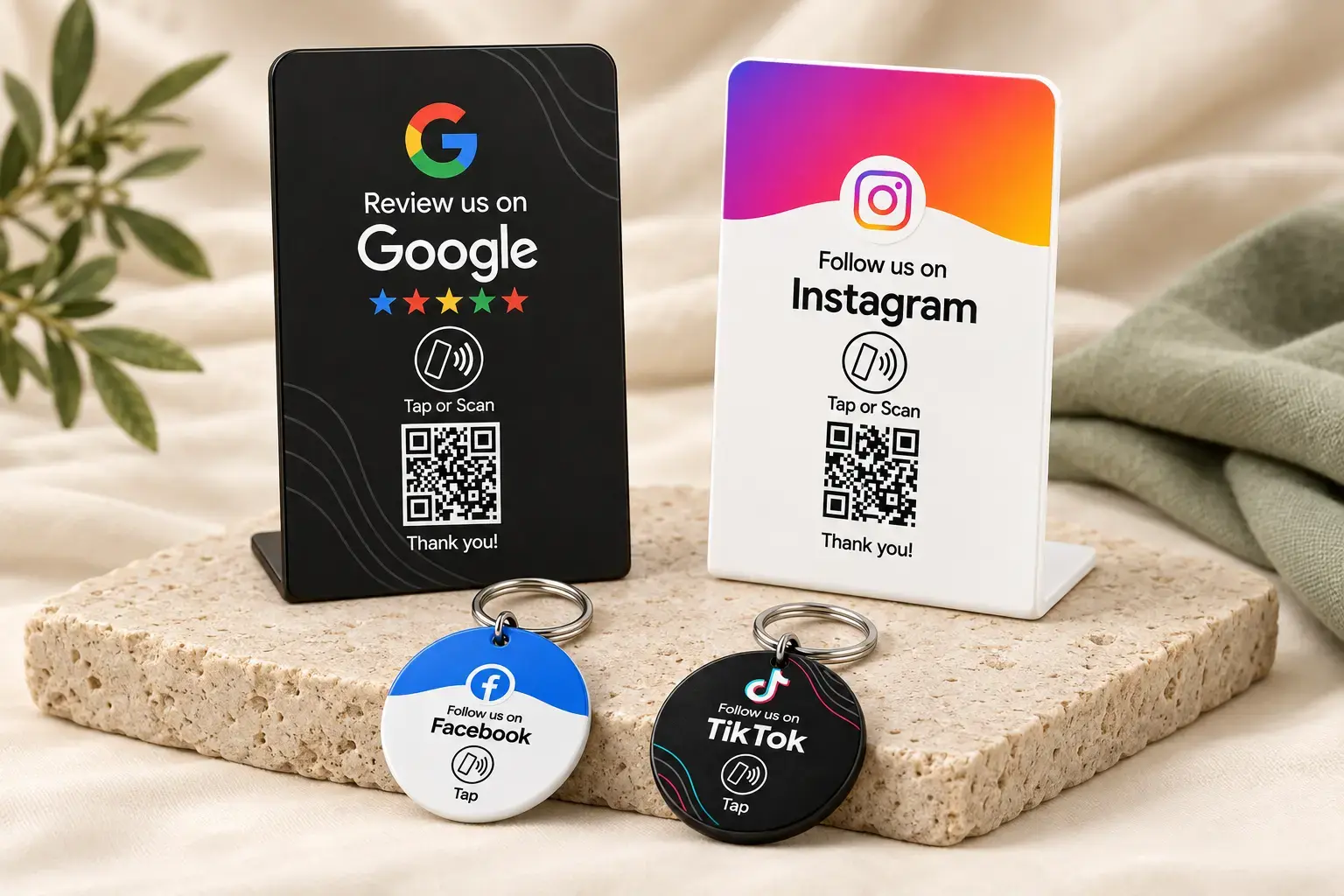
For reviews, social links, menus, and more. Set it up once, then let customers tap or scan.
Pick a countertop stand or portable keychain for reviews, social links, menus, websites, or another destination.
Use the activation code that comes with your NFCPlate product and sign in to your NFCPlate account.
Paste the destination you want customers to reach. Test it, save it, and update it later when needed.
NFC and QR open the same assigned page immediately, making the next action easy at the right moment.
For reviews, social links, menus, and more. Set it up once, then let customers tap or scan.
Pick a countertop stand or portable keychain for reviews, social links, menus, websites, or another destination.
Use the activation code that comes with your NFCPlate product and sign in to your NFCPlate account.
Paste the destination you want customers to reach. Test it, save it, and update it later when needed.
NFC and QR open the same assigned page immediately, making the next action easy at the right moment.
After activation, the merchant controls the assigned destination from the NFCPlate account. Change a campaign, update a menu, switch a social profile, or correct a link without replacing the stand or keychain.
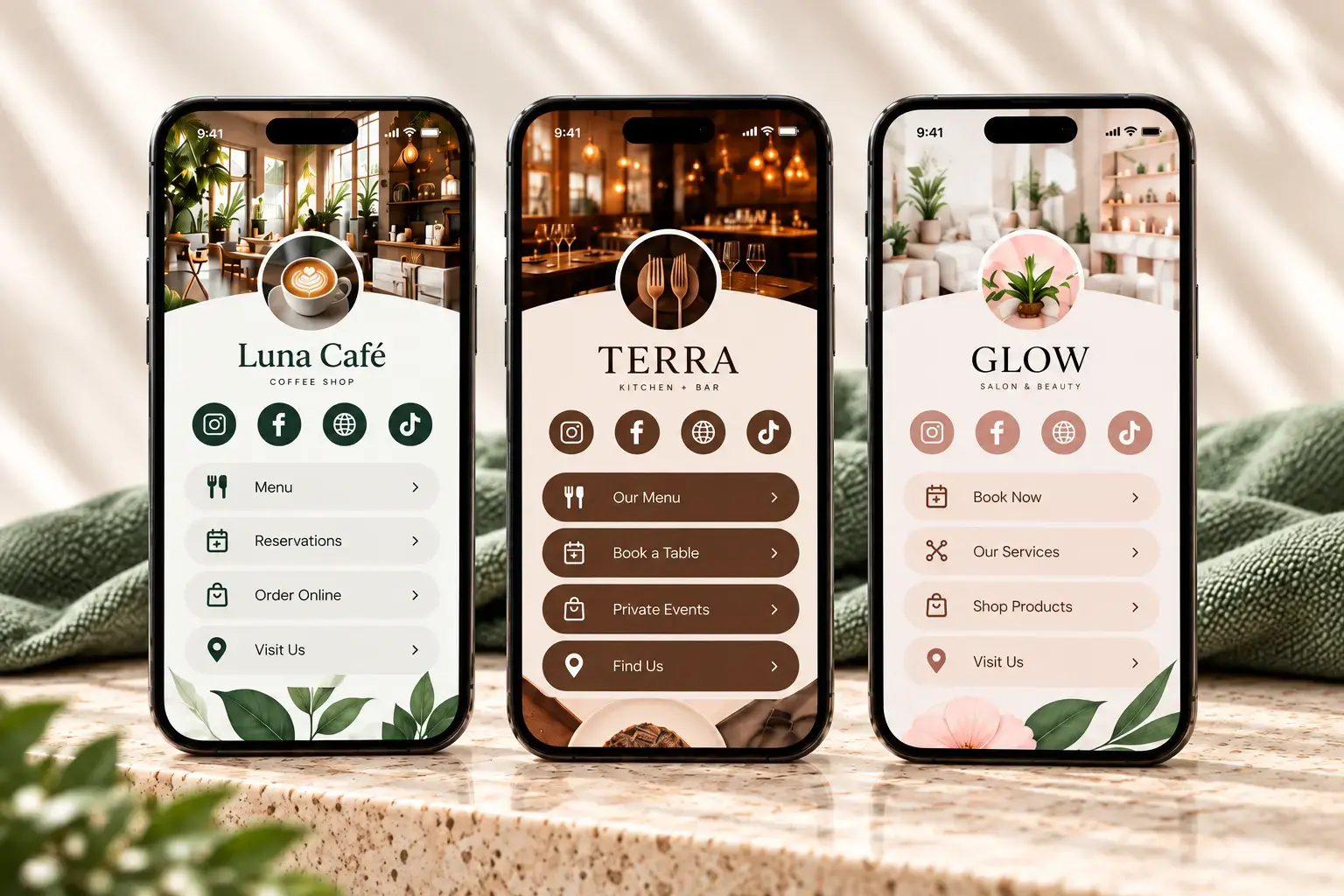
For creators, personal profiles, and businesses. Bring your social links, content, portfolio, and more into one page made for you.
Pick a creator, personal, portfolio, or business design that feels like you.
Add your cover and profile photos, bio, social links, videos, portfolio, shop, or business details.
Put your page in your Instagram or TikTok bio, share its QR code, or connect it to an NFCPlate product.
Visitors can follow you, watch your work, browse your links, get in touch, or book—all from one page.
For creators, personal profiles, and businesses. Bring your social links, content, portfolio, and more into one page made for you.
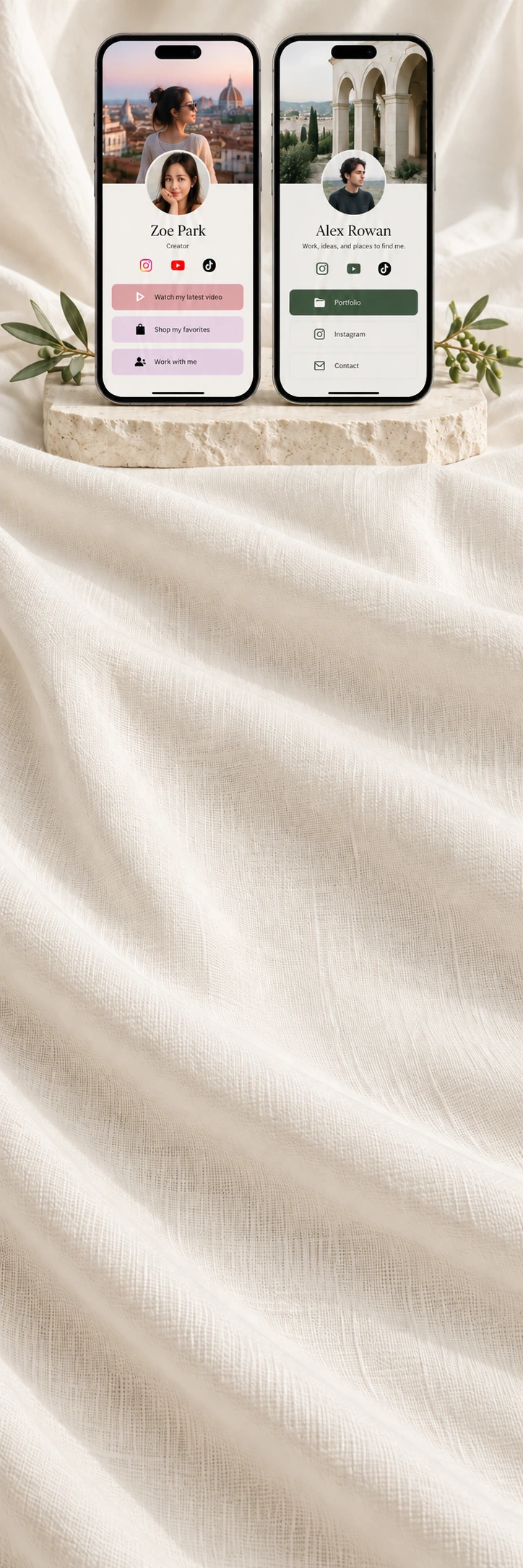
Pick a creator, personal, portfolio, or business design that feels like you.
Add your cover and profile photos, bio, social links, videos, portfolio, shop, or business details.
Put your page in your Instagram or TikTok bio, share its QR code, or connect it to an NFCPlate product.
Visitors can follow you, watch your work, browse your links, get in touch, or book—all from one page.
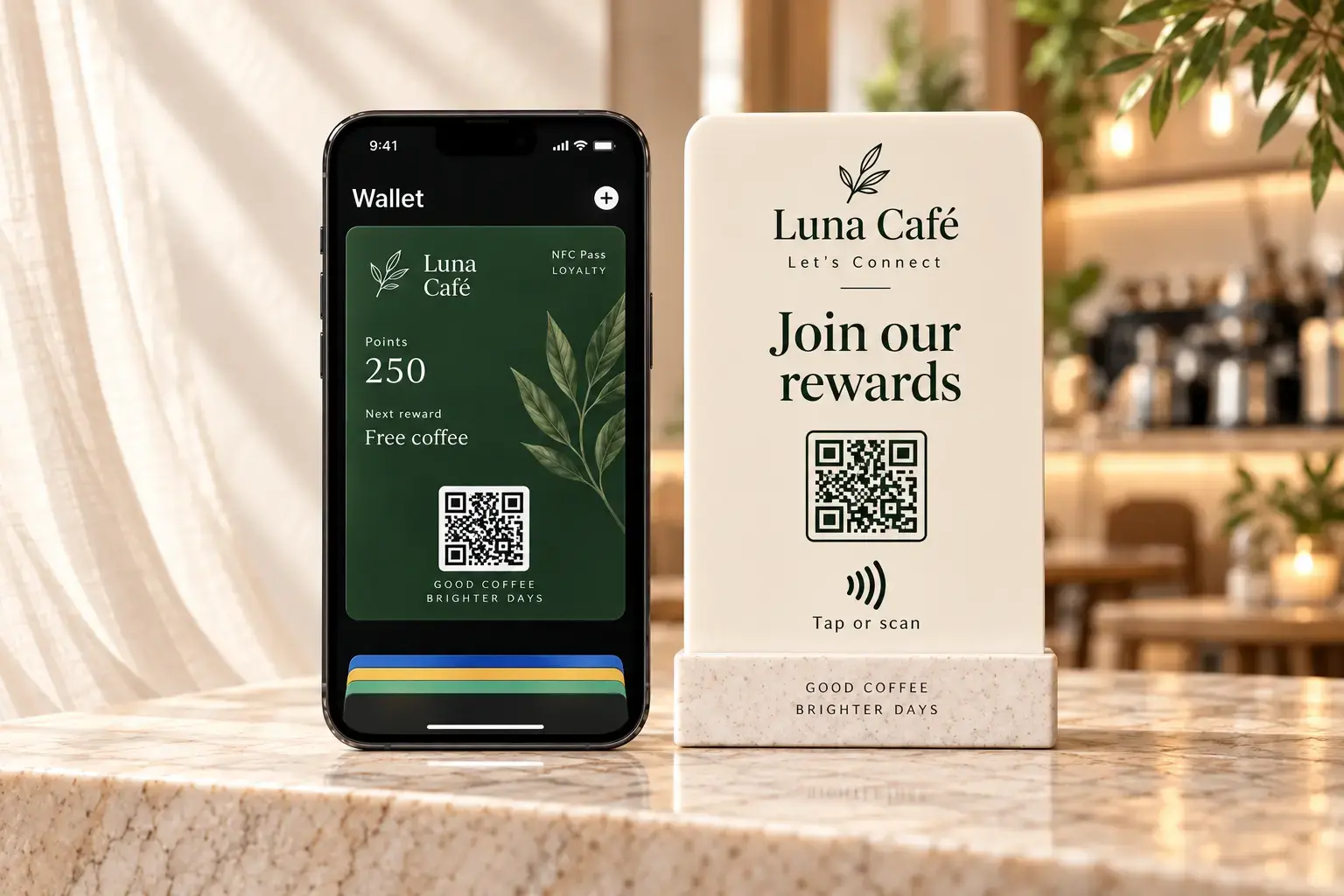
NFC Pass is for businesses that want to turn customer visits into a clear digital rewards experience.
Set the business identity, reward structure, and the experience customers will see.
Use a rewards stand with tap and QR at the counter, checkout, reception desk, or another return-visit moment.
The customer keeps the loyalty pass on the phone, where points and the next reward are easy to see.
The business records eligible visits or rewards, and the pass gives customers a clear reason to come back.
NFC Pass is for businesses that want to turn customer visits into a clear digital rewards experience.
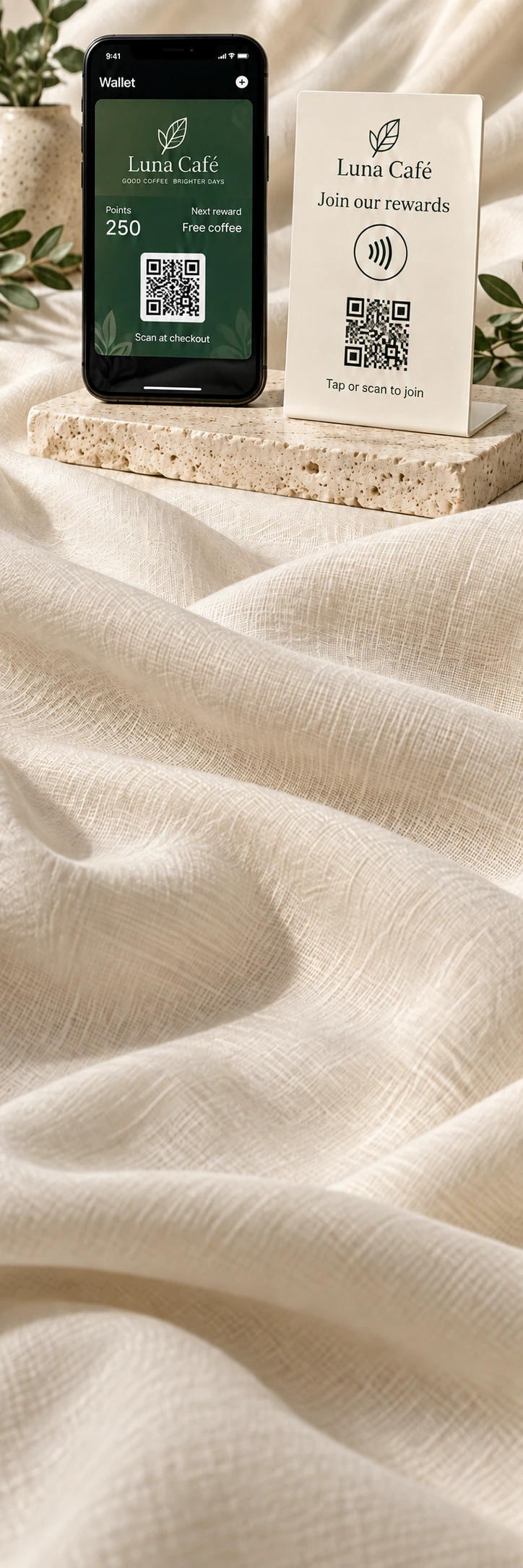
Set the business identity, reward structure, and the experience customers will see.
Use a rewards stand with tap and QR at the counter, checkout, reception desk, or another return-visit moment.
The customer keeps the loyalty pass on the phone, where points and the next reward are easy to see.
The business records eligible visits or rewards, and the pass gives customers a clear reason to come back.
Use when one action matters most.
Reviews · Social · Menu · Booking · WebsiteUse for your link-in-bio, personal profile, portfolio, or business.
Creators · Personal profiles · Businesses · LinksUse when the goal continues after the first visit.
Join · Save · Earn · Redeem · Return